Tap a cover. That’s the product.
Opening a game from The Sphere is unlimited on every plan. Wake-on-LAN, the TV, and shortcut quotas are the upgrades.


iPhone · your PC · your pads
GameSphere puts the library on your Sunshine or Apollo PC onto iPhone the way a console puts it on a TV. Covers up front. One tap to play. The controllers already in the room.
Play from The Sphere is free. Guests who join you pay nothing. TestFlight while the App Store listing finishes.
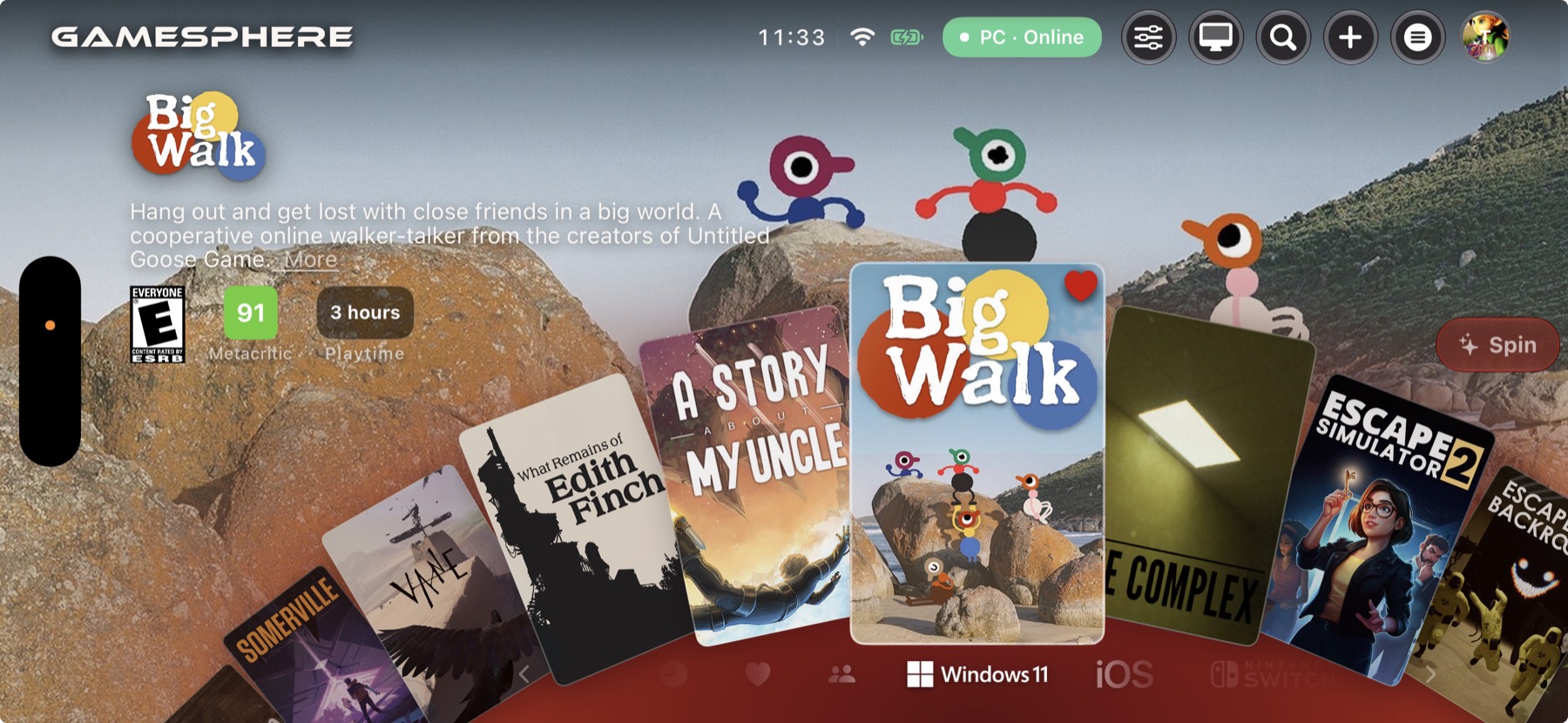
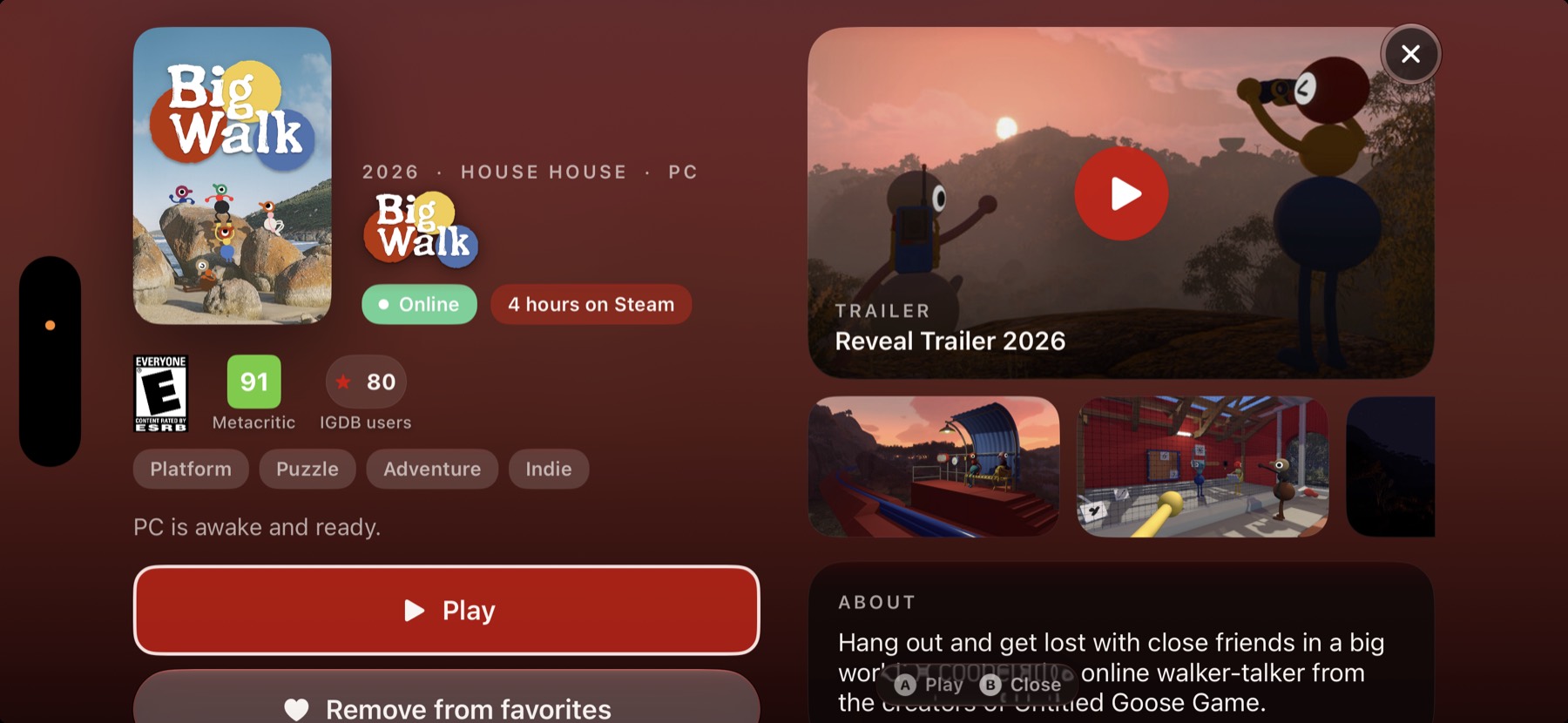
The Sphere
Spin the shelf. Recents and favorites sit up front, with an Online, Sleeping, or Waking mark on the host. The Companion Tool publishes the libraries you already own into Sunshine or Apollo, so the art is those games.
Opening a game from The Sphere is unlimited on every plan. Wake-on-LAN, the TV, and shortcut quotas are the upgrades.
From the couch
Sunshine or Apollo encodes the game. GameSphere is the shelf and the remote. No rented GPU, and no store.
Xbox, PlayStation, MFi, and Switch Online controllers over Bluetooth. On-screen A B X Y when the pad stays on the table.
USB-C HDMI and AirPlay put the game on the big screen and leave the phone in your hand. Shortcuts+ or Pro.
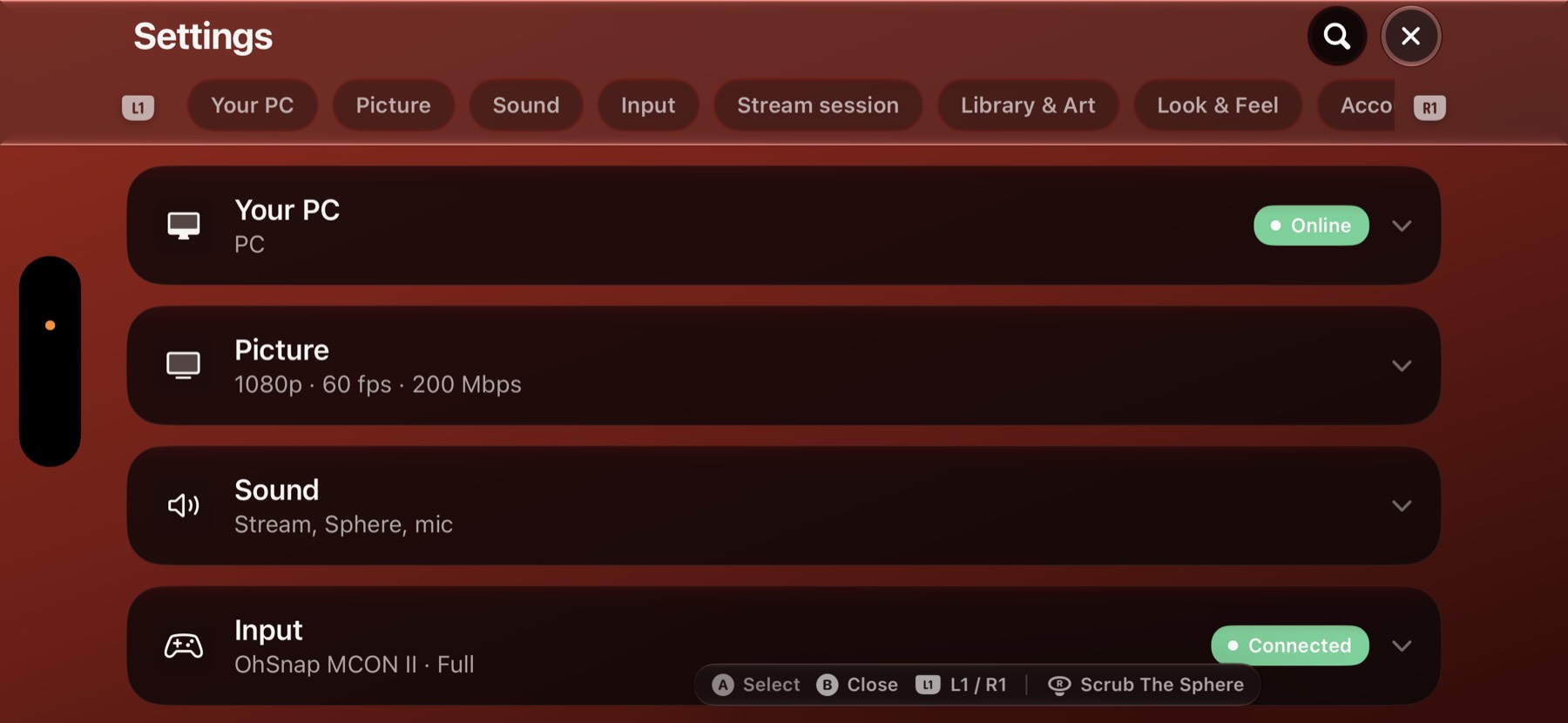
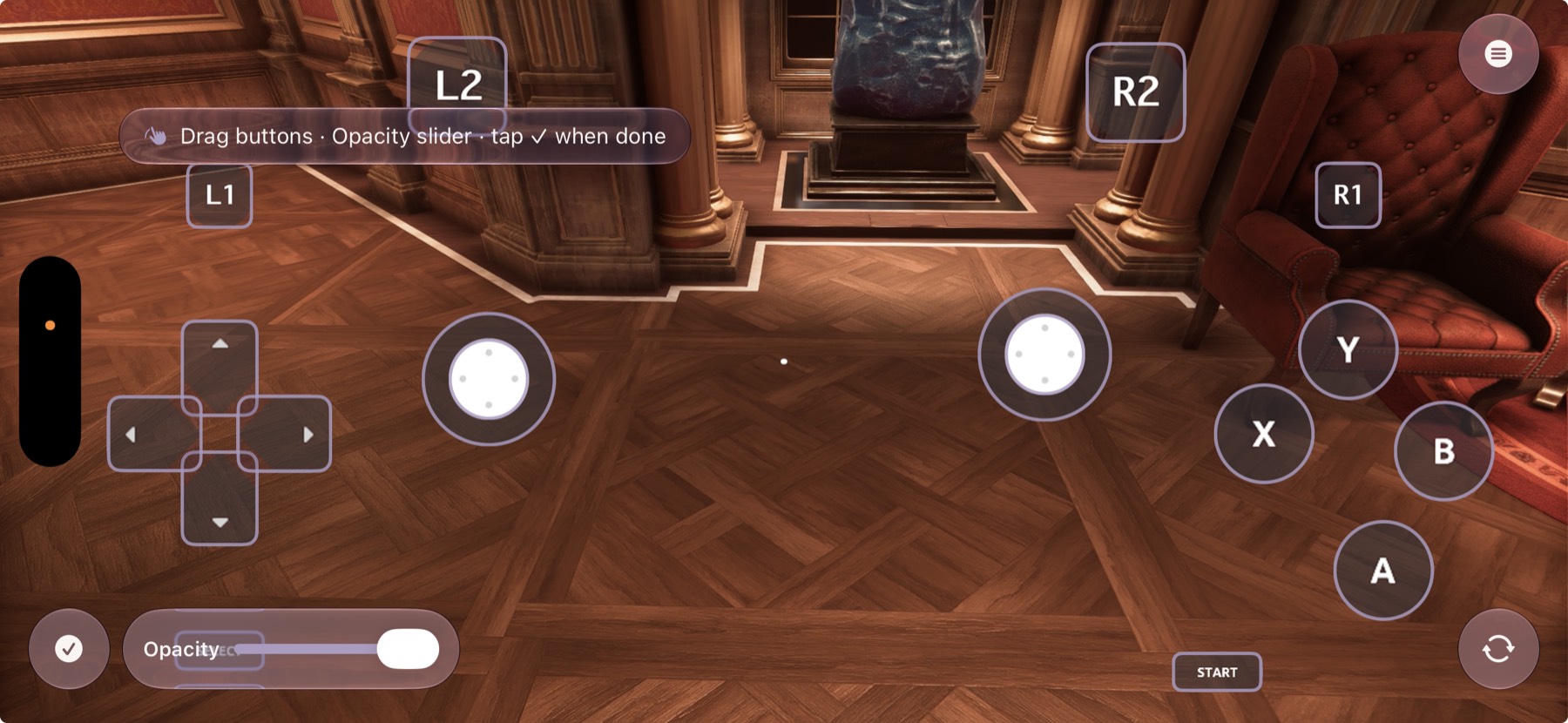
On-screen controls
Sticks, shoulders, and the Xbox face colors sit on the game. Opacity and a saved layout stay on the phone. Moving them is Shortcuts+ or Pro.
Pairing secrets stay on the device. Video goes to your PC. Party voice and GameSphere Mic are live, not recorded. Privacy.
Look & Feel
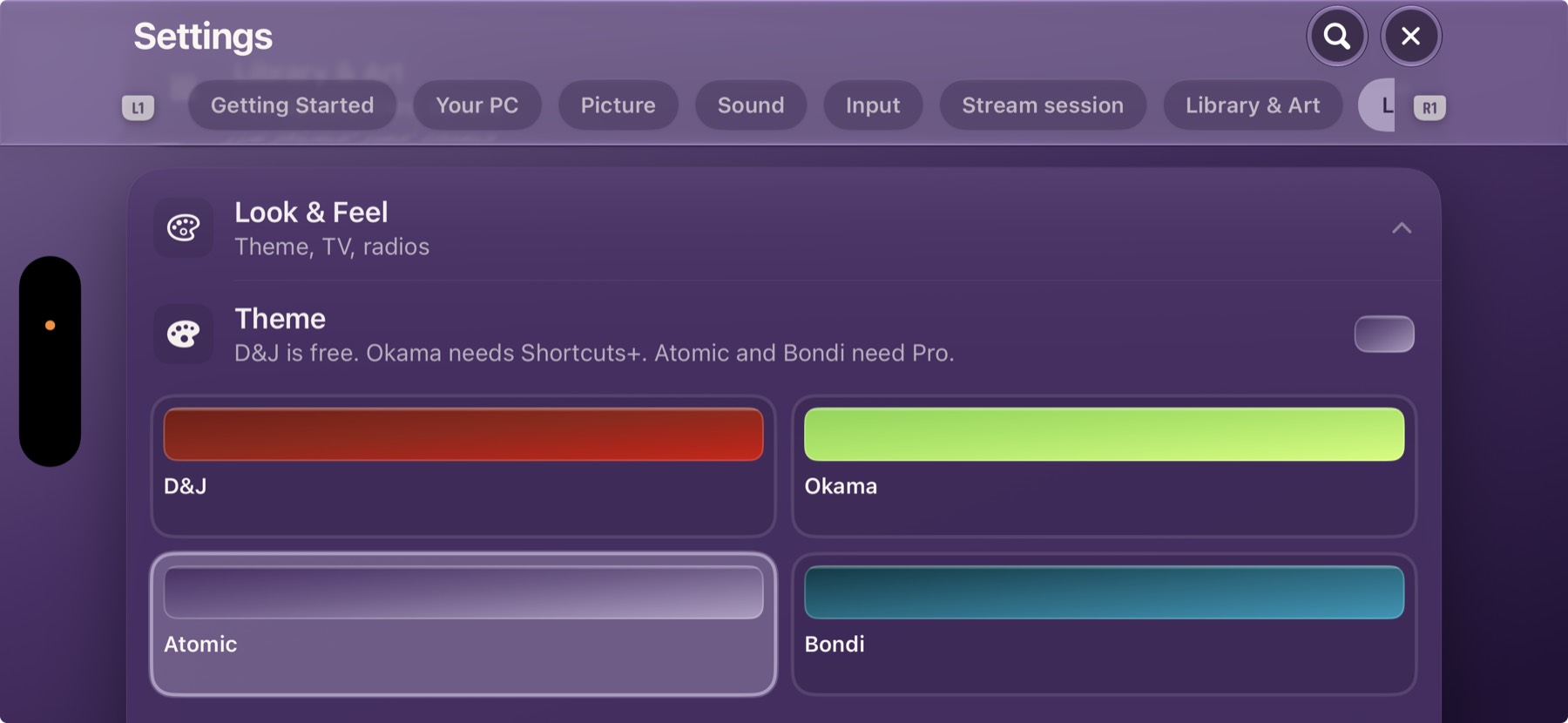
The shelf, Settings, and the stream chrome share one theme. Okama is Shortcuts+. Atomic and Bondi are Pro.
App Store
$0
$3 / month
$15 once
Apple bills it. Refunds go through Apple. Pro also adds Atomic and Bondi, Face ID rating lock, and the highest TV picture mode. Full pricing · Terms
No. You stream games you already have the right to play, from a PC you run. If that PC is off and you haven’t bought wake, nothing streams.
GameSphere on the iPhone. Sunshine or Apollo on the PC, then the free Companion Tool so the shelf has covers. Pair with the PIN the app shows — you type it on the PC.
No. A guest who joins a session you host installs GameSphere free and waits until you accept. They can’t quit your game.
Download